Mar 11, 2026
The 12 Best App Builders for Non-Technical Founders in 2026
Discover the 12 best app builders for non-coders. A complete guide to features, pricing, and use cases to help you ship your MVP without writing code.
From Idea to App Store: Choosing the Right No-Code Tool for Your Vision
Building a functional app no longer requires a six-figure budget or a team of developers. Modern no-code and low-code platforms have democratized app creation, putting the power to build directly into the hands of founders, designers, and business operators. The challenge has shifted from how to build to which tool to choose. Selecting the wrong platform can lead to wasted time, hitting a scalability wall, or realizing you can’t build a critical feature.
This guide is designed to prevent that. We cut through the marketing hype to deliver a clear, practical analysis of the 12 best app builders available today. We’ll explore each tool’s specific strengths, honest limitations, and ideal use cases, helping you decide whether you need a powerhouse like Bubble for a complex SaaS, a native mobile builder like FlutterFlow, or an internal tool creator like Retool. For those seeking a broader overview of the market, exploring an ultimate guide to no-code and low-code development platforms can provide valuable context.
Our goal is to help you match your project’s needs with the right technology. Each entry in this list includes:
Ideal Use Cases: What is this platform genuinely good for? (e.g., MVPs, internal tools, native apps).
Key Feature Analysis: A breakdown of what makes it stand out.
Pricing Insights: A summary of its cost structure.
Pros & Cons: A balanced look at its strengths and weaknesses.
We've done the deep research, so you can confidently select the perfect tool to bring your vision to life. Let’s dive into the platforms that can turn your idea into a working application.
1. Bubble
Bubble consistently ranks as one of the best app builders for a reason: it offers incredible power and flexibility for creating complex, custom web applications without writing a single line of server-side code. It's the go-to platform for founders building interactive, data-driven products like SaaS platforms, internal tools, social networks, and two-sided marketplaces. Its visual, event-driven logic allows you to define intricate workflows, manage a full database, and connect to external services through its API connector.
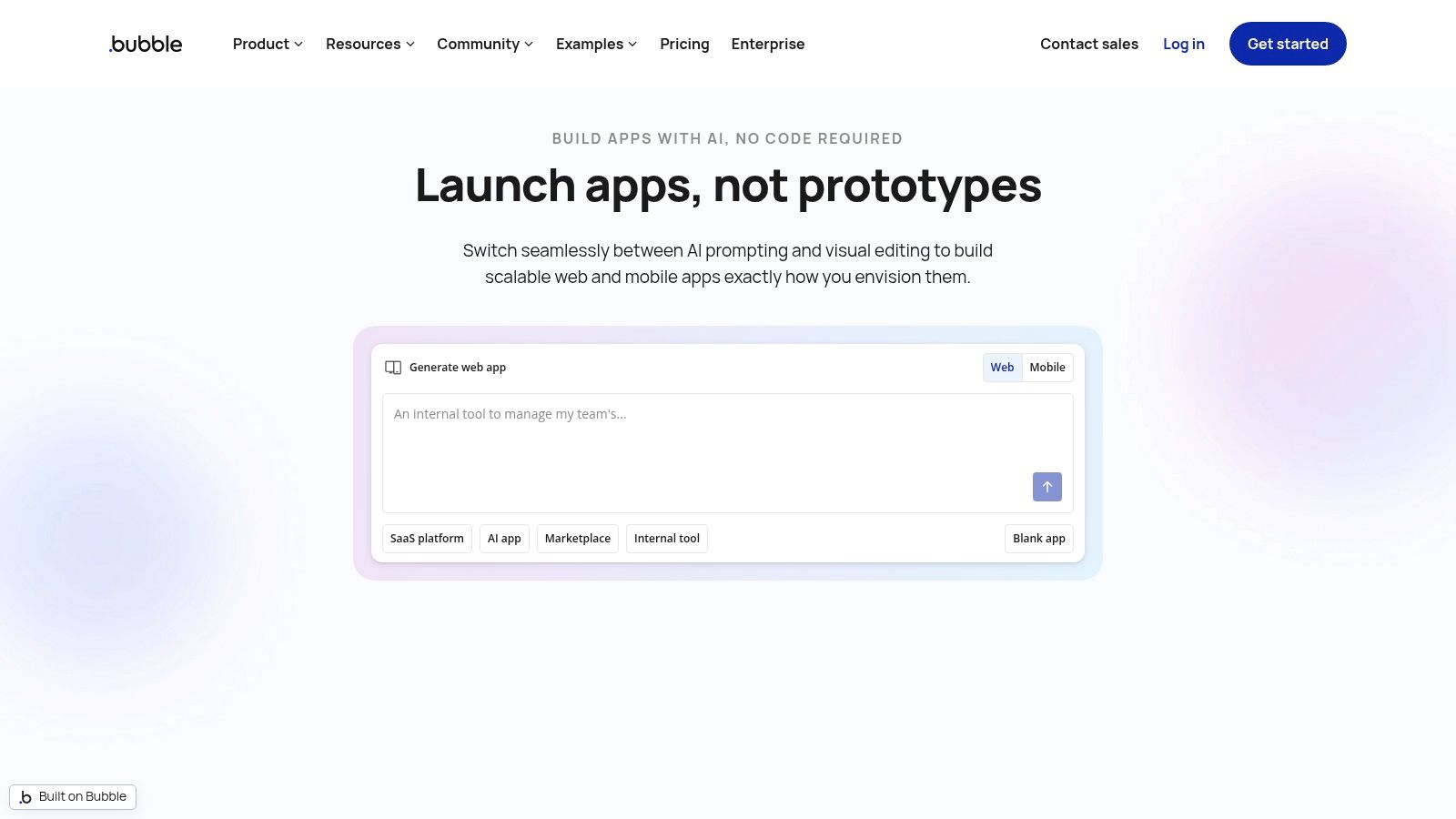
Unlike many simpler builders, Bubble doesn't confine you to templates. You get a blank canvas to design pixel-perfect interfaces that are fully responsive. A major advantage is its mature ecosystem, filled with plugins, templates, and a large community of experts. This means you can extend functionality and get support when you need it.
Key Considerations
Bubble’s pricing is tied to "workload units," a metric that measures server usage. This model can be cost-effective for new apps but requires careful planning for data structure and search queries to manage expenses as you scale. While its power is a significant pro, it also contributes to a steeper learning curve compared to more basic tools. Mastering database design and performance best practices is essential for building a successful app. For those new to the platform, it is often helpful to seek out specialized Bubble.io help to accelerate development and avoid common pitfalls.
Ideal Use Cases | Pros | Cons |
|---|---|---|
SaaS Products & MVPs | Unmatched Flexibility: Build almost any complex logic. | Performance: Requires careful optimization to avoid slow load times. |
Internal Tools & CRMs | Ecosystem: Large marketplace for plugins and templates. | Learning Curve: Steeper than many other no-code tools. |
Marketplaces & Social Networks | Database Control: Full control over your data structure and logic. | Cost Scaling: Workload-based pricing can become expensive with high usage. |
Mobile Builds: Build and publish native apps from the same project. |
Website: https://bubble.io
2. FlutterFlow
FlutterFlow bridges the gap between no-code speed and native mobile performance, making it one of the best app builders for creating high-fidelity mobile applications. It uses a visual, drag-and-drop interface to build an application, but underneath it generates clean, production-ready Flutter code. This unique approach allows you to create truly native iOS and Android apps that can later be exported, giving you full control over your source code if you decide to bring on a development team.

It excels with its deep integrations with backend services like Firebase and Supabase, which simplifies user authentication, database management, and cloud functions. You can design rich user interfaces with complex animations and deploy to the web and desktop from the same project. The platform also includes AI-powered assistants for speeding up development and automated testing features on higher-tier plans.
Key Considerations
FlutterFlow's pricing model is seat-based, with more advanced features like source code export, GitHub integration, and expanded collaboration tools reserved for higher-priced plans. While this structure is straightforward, community feedback suggests some users find the plan tiers more complex than previous versions. The platform is ideal for those who prioritize native mobile performance and want the safety net of owning their codebase, but it requires a more technical mindset than purely web-focused builders, especially if you plan to use custom code or manage backend services directly.
Ideal Use Cases | Pros | Cons |
|---|---|---|
Mobile-First MVPs | Native Performance: Builds apps that run directly on iOS and Android. | Plan Complexity: Key dev features are locked behind higher-priced seats. |
Apps Requiring Source Code | Code Export: Full access to your Flutter codebase for custom development. | Backend Management: Requires familiarity with services like Firebase. |
Visually Rich & Animated Apps | Strong Design Controls: Extensive UI components and animation support. | Learning Curve: Steeper for those unfamiliar with mobile app concepts. |
Backend Integration: Seamless connection to Firebase and Supabase. |
Website: https://www.flutterflow.io
3. Adalo
Adalo makes its mark as one of the best app builders by focusing on one thing and doing it exceptionally well: creating beautiful, native mobile and web applications with speed. It's the ideal choice for founders and businesses who need to launch visually-driven apps like directories, booking systems, or branded client portals without a steep learning curve. The platform centers around a drag-and-drop interface with reusable components, allowing you to design and launch for both iOS and Android from a single project.
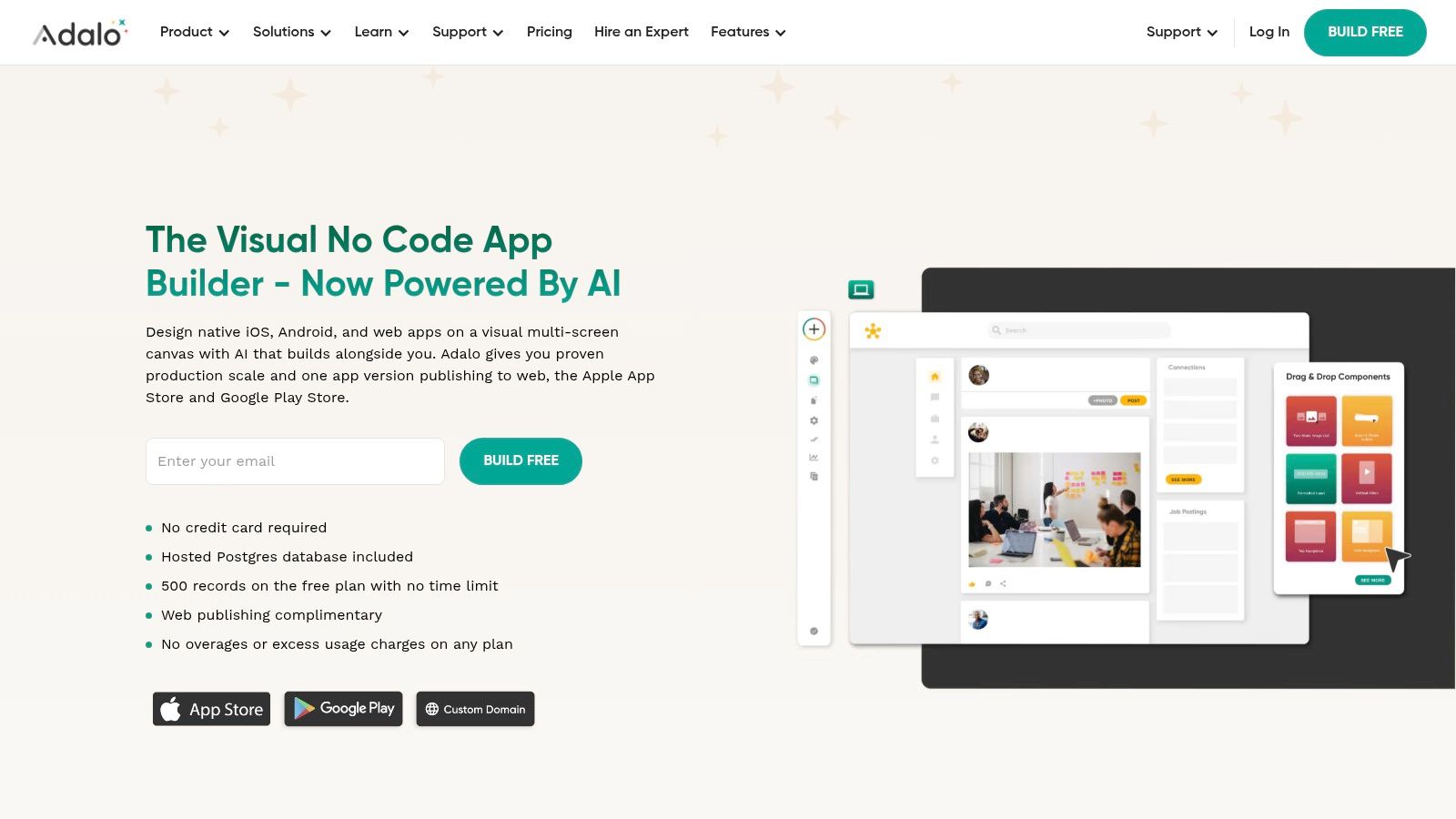
What sets Adalo apart is its straightforward path to the Apple App Store and Google Play Store. The platform simplifies the entire publishing workflow, from building the app to generating the necessary files (IPA/APK) for submission. This direct-to-native capability, combined with a simple component-based system, means you can move from idea to a real, installable mobile app much faster than with more complex web-focused builders.
Key Considerations
Adalo uses a straightforward subscription model, which offers predictable costs without per-user or workload charges, making it easier to budget. This predictability is a significant factor when considering that the cost of app development can vary wildly. While its component-based system is fast, achieving highly specific or advanced functionality may require creating or commissioning custom components. For high-traffic applications, be prepared to upgrade your plan to handle the increased load and data storage needs. The platform also has an expert marketplace to find help when you need it.
Ideal Use Cases | Pros | Cons |
|---|---|---|
Branded Client Apps & Directories | Fast Mobile UI: Very quick for creating and shipping mobile apps. | Customization: Advanced features may need custom components. |
Simple E-commerce & Booking | Native Builds: Publish directly to iOS and Android app stores. | Scalability: High-traffic apps will require higher-tier plans. |
Internal Tools & Simple CRMs | Simple Pricing: Fixed subscription offers predictable costs. | Database Limits: Less flexible database than more advanced tools. |
Expert Marketplace: Access to developers for custom work. |
Website: https://www.adalo.com
4. Glide
Glide excels at transforming spreadsheets into powerful, data-driven applications with remarkable speed. It's an ideal choice for building internal tools, client portals, and mobile-first directories, especially for those who live and breathe in Google Sheets, Airtable, or its own Glide Tables. By connecting directly to your data source, Glide automatically generates a functional app with a clean interface that you can customize with polished, pre-built components. This data-first approach provides helpful guardrails for non-developers, making it one of the fastest ways to ship a functional tool.
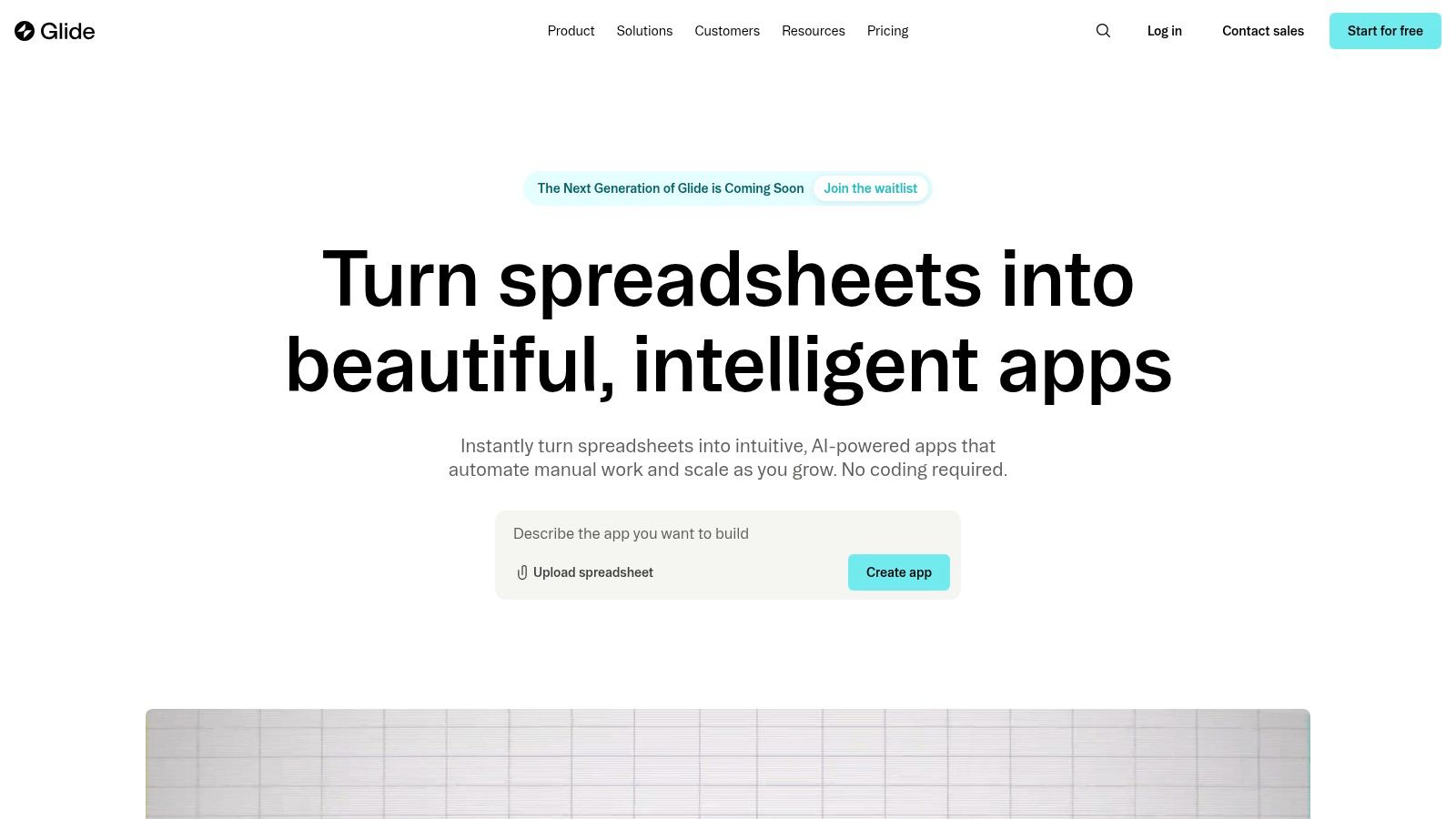
Unlike builders with a blank canvas, Glide’s component-based system ensures a consistent and professional look without extensive design work. It provides robust features for user management, permissions, and roles, which are critical for business applications. The platform’s large template library and certified expert network offer strong support for getting started quickly. For those in the early stages, it serves as a fantastic method for prototyping an app and validating an idea with real data.
Key Considerations
Glide’s pricing is based on a combination of users and "updates," which are actions that change your data (e.g., adding an item, editing a form). While this can be economical for apps with low write-activity, high-transaction tools can incur overage costs, so it’s important to project usage accurately. The structured, component-driven nature that makes Glide so fast also means it is less flexible for highly custom front-end designs or complex, non-standard workflows compared to platforms like Bubble.
Ideal Use Cases | Pros | Cons |
|---|---|---|
Internal Tools & Dashboards | Speed to Launch: Build and ship apps from a spreadsheet in minutes. | Update Quotas: Usage-based costs can scale unexpectedly with high activity. |
Client Portals & Directories | Data-First: Excellent integration with Google Sheets and Airtable. | Design Rigidity: Less front-end flexibility than free-form builders. |
Event Apps & Simple CRMs | User Management: Solid permissions, roles, and security for business. | Complex Logic: Not suited for highly intricate or unique workflows. |
Ecosystem: Strong template library and certified expert network. |
Website: https://www.glideapps.com
5. Softr
Softr has carved out a distinct niche as one of the best app builders for creating data-driven applications like client portals, internal tools, and member-only directories. Its core strength lies in its ability to turn data from sources like Airtable, Google Sheets, Notion, or its own native database into a polished, functional web app with exceptional speed. It uses a block-based system, allowing you to quickly assemble beautiful interfaces and configure granular, role-based user permissions.
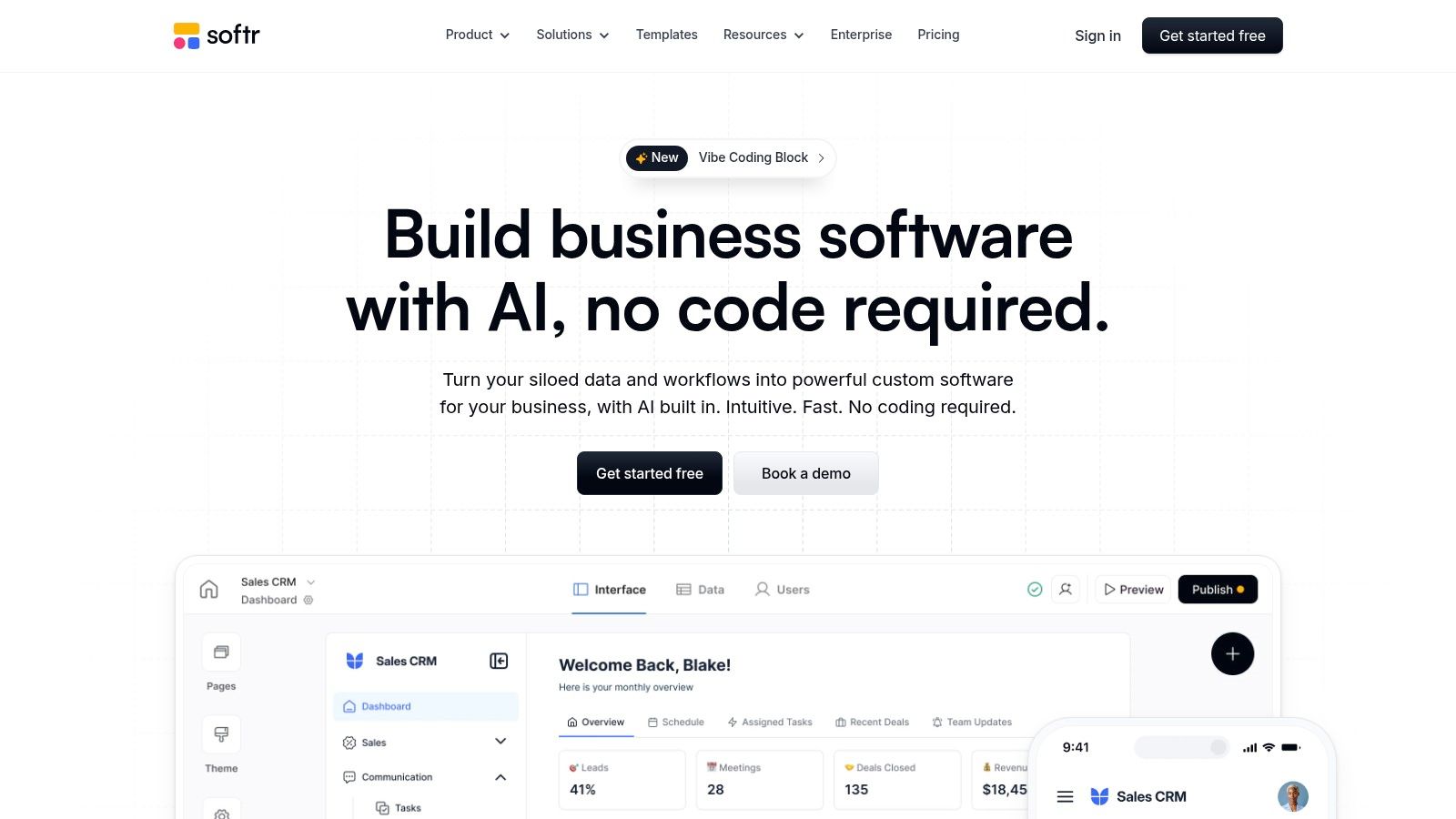
This approach makes it incredibly accessible for non-technical founders who need to build an application centered around a specific dataset. Instead of building from a blank canvas, you choose from pre-designed, functional blocks and connect them to your data source. This significantly accelerates development time for common use cases, making it a powerful choice for launching a functional MVP that looks professional from day one.
Key Considerations
Softr's pricing is structured around tiers that include limits on app users, data records, and "Workflow" executions. This model is straightforward for initial projects but requires attention as you grow; applications with a large user base or high data volume may need to move to higher-priced plans or custom enterprise quotes. The platform's block-based nature, while a major benefit for speed and ease of use, means it offers less design freedom than a blank-canvas editor like Bubble. It excels at its intended purpose but is not designed for building highly unique, pixel-perfect UIs or extremely complex, custom application logic.
Ideal Use Cases | Pros | Cons |
|---|---|---|
Client Portals & Member Areas | Ease of Use: Extremely fast learning curve and intuitive UX. | Design Constraints: Block-based system limits custom design freedom. |
Internal Tools & Dashboards | Data Integration: Seamlessly works with Airtable, Google Sheets, etc. | Usage Limits: Plans have caps on app users and database records. |
Online Directories & Marketplaces | Permissions: Powerful, built-in user roles and access control. | Workflow Complexity: Advanced logic may require external tools or a higher-tier plan. |
Speed: Go from data to a live app in a fraction of the time. |
Website: https://www.softr.io
6. Google AppSheet
Google AppSheet solidifies its position as one of the best app builders for teams deeply embedded in the Google Workspace ecosystem. It empowers users to create powerful mobile and web applications directly from their existing data sources like Google Sheets, Drive, and SQL databases. It is particularly effective for building internal tools, field service apps, and data-driven dashboards without requiring any coding knowledge. Its strength lies in its ability to quickly convert spreadsheets into functional, secure apps that can work both online and offline.
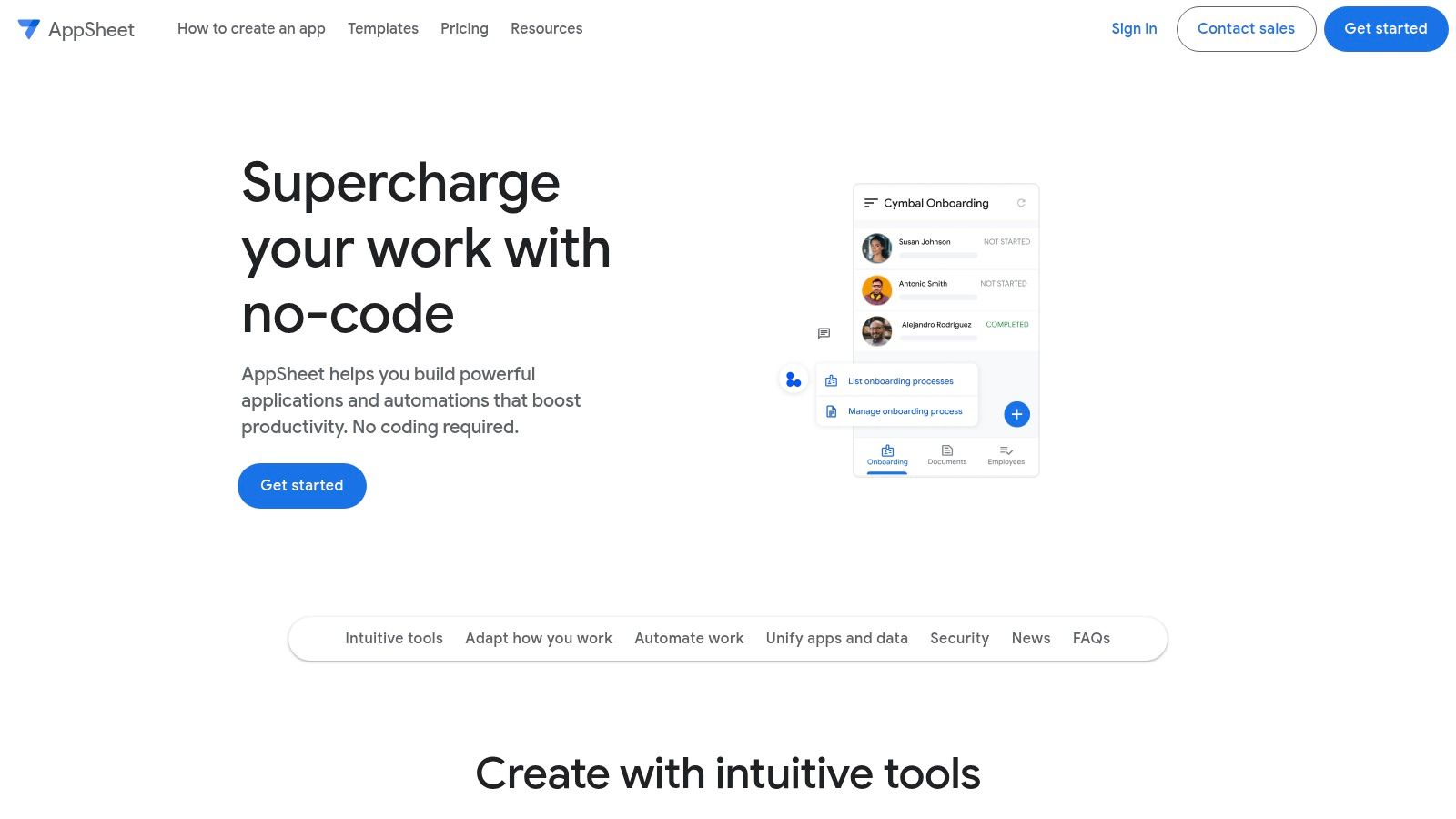
The platform stands out by offering robust automation features, including intelligent bots that can trigger notifications, send emails, or generate reports based on data changes. It also incorporates machine learning capabilities, such as optical character recognition (OCR) and predictive models, directly into the app-building process. For organizations that need enterprise-grade governance and security, AppSheet's integration with Google's admin console provides centralized control over app distribution and user access.
Key Considerations
AppSheet’s pricing is primarily user-based, making it highly affordable for internal team applications. However, if you plan to build a publicly accessible app for a broad audience, you'll need the Publisher Pro plan, which is priced per app and can be more costly. While excellent for operational and line-of-business applications, its design customization is more limited compared to platforms like Bubble. This makes it less suitable for building pixel-perfect, consumer-facing products where unique branding is a priority.
Ideal Use Cases | Pros | Cons |
|---|---|---|
Internal Dashboards & Reporting | Google Integration: Seamlessly connects to Sheets, Drive, etc. | Design Limits: Not ideal for highly customized, branded B2C apps. |
Field Service & Data Collection | Offline Sync: Reliable offline capabilities for remote work. | Public Apps: Publisher Pro plan is required and costs more per app. |
Inventory Management & Approvals | Affordable: Cost-effective per-user pricing for internal teams. | Niche Focus: Best suited for internal and operational tools. |
Built-in AI/ML: Features like OCR and predictive models. |
Website: https://about.appsheet.com
7. Microsoft Power Apps
Microsoft Power Apps is the enterprise-grade solution for companies deeply integrated with the Microsoft ecosystem. As one of the best app builders for internal processes, it allows organizations to create custom business applications with minimal code. It's designed for building everything from simple data entry forms to complex operational dashboards that connect directly to your existing Microsoft services like SharePoint, Office 365, and Dynamics 365. The platform supports both canvas apps for pixel-perfect UI control and model-driven apps that are generated from your data structure in Dataverse.
Its main strength lies in its deep integration with the wider Power Platform, including Power Automate for workflow automation and Power BI for data visualization. With over 1,000 connectors and built-in AI capabilities via Copilot, Power Apps provides a secure and governed environment for citizen developers to solve business problems. This makes it a powerful choice for creating internal tools that require robust security, application lifecycle management (ALM), and single sign-on (SSO).
Key Considerations
The biggest hurdle with Power Apps is often its licensing model, which can be difficult to navigate, especially for organizations with varied user needs. While powerful, it's not a general-purpose public app builder like Bubble; its focus is squarely on internal and partner-facing applications. Scaling your apps might require purchasing add-ons for Dataverse storage or API call capacity, adding another layer to cost management. The platform is best suited for organizations already committed to Microsoft's cloud infrastructure.
Ideal Use Cases | Pros | Cons |
|---|---|---|
Internal Process Automation | Enterprise Security: Top-tier governance, ALM, SSO, and RBAC. | Complex Licensing: Can be confusing and expensive to manage. |
Custom Data Entry & Forms | Deep Microsoft Integration: Connects seamlessly with Office 365. | Internal Focus: Not designed for building public-facing SaaS apps. |
Field Service & Operations Apps | Scalability: Governed to scale across large departments. | Cost Add-ons: Dataverse and API usage can require extra purchases. |
Extensive Connectors: Over 1,000 data sources and services. |
Website: https://powerapps.microsoft.com
8. Thunkable
Thunkable has carved out a niche as one of the best app builders for creating simple, native mobile apps for iOS and Android without code. Its drag-and-drop interface is remarkably approachable, making it a favorite in educational settings and for individuals taking their first steps into app development. The platform is geared toward building straightforward branded apps, simple internal tools, or MVPs that require a presence on the Apple App Store and Google Play Store.

A key feature is the ability to live test your app directly on your own device, providing immediate feedback on design and functionality. Thunkable also incorporates generative AI features, offering token allotments on its plans to help create app assets or logic. The platform provides a clear path from a free plan for learning to paid plans that unlock custom branding, private projects, and the ability to publish directly to app stores.
Key Considerations
Thunkable's simplicity is both its greatest strength and its primary limitation. It's excellent for less complex applications but lacks the deep database and logic capabilities of platforms like Bubble. The pricing model is straightforward, but it's important to note that a paid subscription must remain active to keep your published apps live on the app stores. Furthermore, the popular "Builder" plan limits you to having only one app published at a time, which may be a constraint for those with multiple projects.
Ideal Use Cases | Pros | Cons |
|---|---|---|
Simple Mobile Apps (iOS & Android) | Very Approachable: Excellent entry point for beginners and education. | Limited Complexity: Not suitable for data-heavy or intricate apps. |
Educational Projects & Hackathons | Live Testing: Instantly preview your app on a physical device. | Active Subscription: Plan must be active to keep published apps live. |
Basic Internal Tools | Direct Publishing: Streamlined process for app store submission. | Publishing Limits: Lower-tier paid plans limit the number of live apps. |
Generative AI: Includes features to assist in app creation. |
Website: https://thunkable.com
9. Draftbit
Draftbit occupies a unique space among the best app builders by bridging the gap between visual development and full code ownership. It allows teams to build mobile app interfaces with a powerful visual builder that outputs clean, production-ready React Native source code. This approach is ideal for founders and businesses who want the speed of no-code for initial development but require the flexibility to hand off the project to a development team for custom features or long-term maintenance.

The platform provides extensive component libraries and precise design tooling, making it a favorite for creating pixel-perfect, design-accurate mobile applications. Unlike all-in-one hosted platforms, Draftbit focuses on the frontend, giving you the freedom to connect to any backend or API. This separation of concerns means you are responsible for hosting and managing your backend and infrastructure, but it also prevents vendor lock-in.
Key Considerations
Draftbit's core value proposition is code export. Once you build your app, you can download the entire React Native codebase. This is a significant advantage for scaling but also means your team must be prepared to manage the code, dependencies, and deployment. Pricing is subscription-based, with higher tiers offering access to professional services and beta features like Draftbit Next, its AI-native builder. It is less of a fully managed service and more of a powerful accelerator for teams who plan to eventually transition to a traditional code-based workflow.
Ideal Use Cases | Pros | Cons |
|---|---|---|
Mobile App MVPs with a Code Handoff Plan | Full Source Code Export: Get complete React Native code. | Backend Not Included: You must build and manage your own backend. |
Design-Intensive Mobile Apps | Design-Accurate Tooling: Create pixel-perfect interfaces. | Heavier Lift: Requires more technical oversight than fully hosted tools. |
Teams with Developer Resources | No Vendor Lock-in: Total freedom after exporting the code. | Code Maintenance: You are responsible for the code after export. |
Connects to Any Backend: Total flexibility with your data source. |
Website: https://draftbit.com
10. Bravo Studio
Bravo Studio offers a unique, designer-first approach to building fully native mobile apps. Instead of a traditional drag-and-drop editor, it works by directly converting Figma designs into functional iOS and Android applications. This makes it one of the best app builders for designers, freelancers, and teams who prioritize pixel-perfect UIs and a high-fidelity user experience without sacrificing native performance. The core workflow involves creating your app's screens in Figma and then using special "Bravo Tags" to make elements interactive and bind them to live data.

The platform stands out by producing true native code, not a web wrapper, allowing access to device features like push notifications, camera access, and geolocation. Its real power comes from its ability to connect to any REST API, meaning you can use backends like Airtable, Xano, or your own custom database to power your app's content and logic. This gives you more control over your data source compared to all-in-one builders.
Key Considerations
Bravo Studio's pricing starts with a free plan for testing and a reasonably priced "Solo" plan for individuals looking to publish one app. However, costs can increase with the "Advanced" plan and paid add-ons for features like in-app purchases, custom branding on the loading screen, and more frequent builds. While its design-to-app process is fast, Bravo is not built for heavy, complex business logic within the app itself. The logic and data management must be handled by the external backend you connect to, requiring some understanding of API structures.
Ideal Use Cases | Pros | Cons |
|---|---|---|
Content-Driven Apps (Blogs, Directories) | Designer-First: Turns Figma designs into native apps. | Backend Dependent: Requires an external API for all data and logic. |
Design Prototypes & High-Fidelity MVPs | True Native Output: Access to device hardware and notifications. | Costly Add-ons: Advanced features can increase the monthly price. |
Simple Client Apps & Portfolios | Flexible Data: Connects to any REST API backend. | Limited Logic: Not suited for apps with complex internal workflows. |
Fast Iteration: Update designs in Figma, see changes in the app. |
Website: https://www.bravostudio.app
11. Retool
Retool has carved out a powerful niche as the go-to low-code platform for building internal tools with incredible speed. It is specifically designed for developers and technical teams who need to create admin panels, dashboards, and custom CRUD (Create, Read, Update, Delete) interfaces that connect to virtually any database or API. The platform combines a drag-and-drop interface with the ability to write JavaScript anywhere, giving developers the control they need without the tedious frontend work.
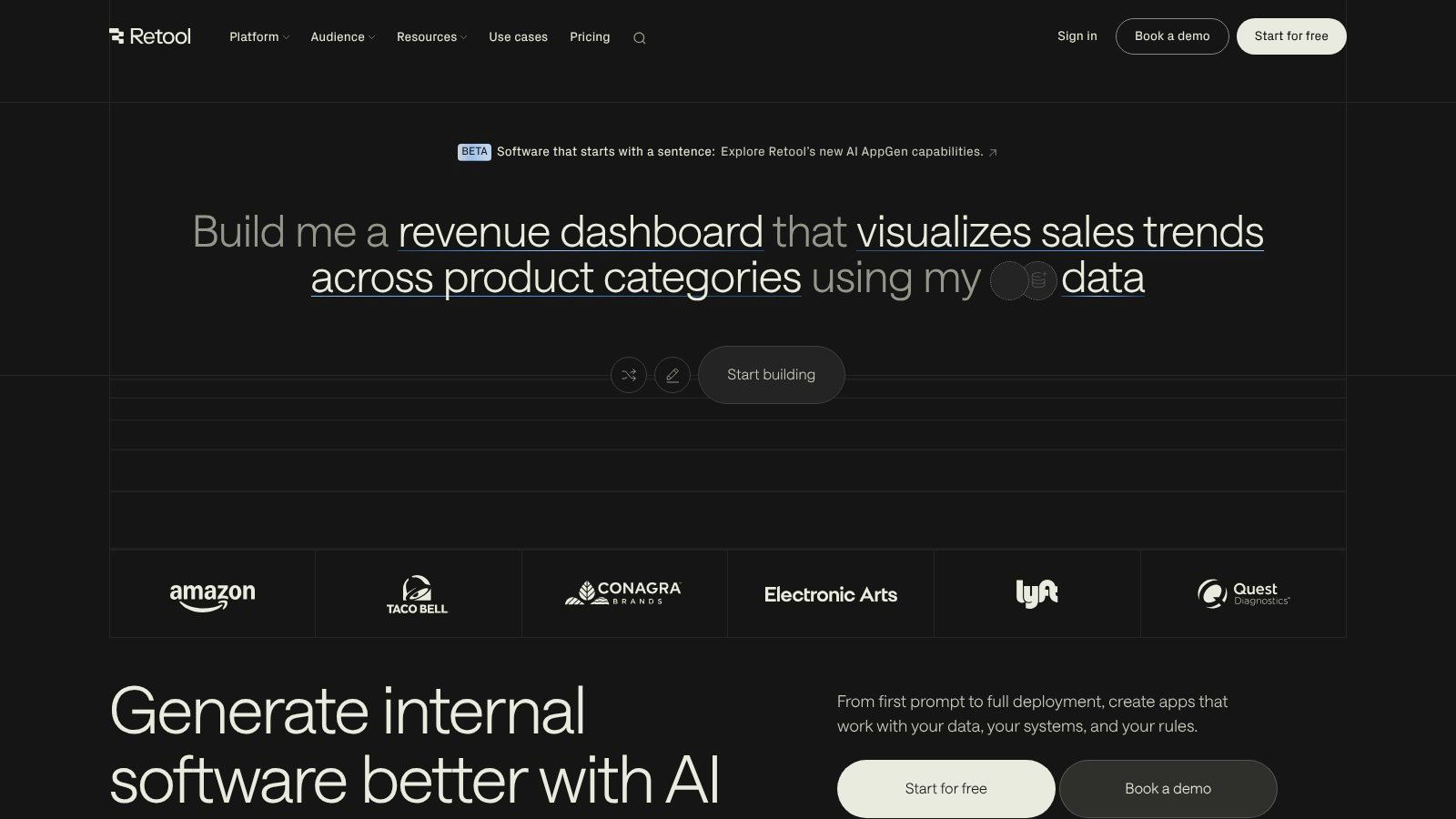
Unlike general-purpose app builders, Retool’s strength lies in its pre-built components (tables, charts, forms) and its robust connectivity. You can assemble a functional customer support dashboard or inventory management system in minutes, not weeks. Its feature set includes strong governance controls, granular permissions (RBAC), and release management, making it a secure and scalable choice for business operations. With options for cloud hosting or self-hosting, it fits a variety of enterprise security requirements.
Key Considerations
Retool's pricing structure is its most complex aspect. Costs are calculated based on a combination of builder seats, end-user types (internal vs. external), and usage of add-ons like Workflows and AI. This model can be confusing and requires careful planning to predict expenses, especially when providing access to external partners or customers. While it is one of the best app builders for technical tasks, its developer-centric approach and reliance on SQL/JavaScript mean it is less suitable for entirely non-technical founders looking to build a first MVP from scratch.
Ideal Use Cases | Pros | Cons |
|---|---|---|
Admin Panels & Dashboards | Extreme Speed: Build data-heavy internal tools exceptionally fast. | Pricing Complexity: Multiple cost dimensions can be hard to forecast. |
Customer Support Tools | Extensible with Code: Use JavaScript for custom logic and queries. | Developer-Focused: Not ideal for completely non-technical users. |
External Portals & Partner Tools | Mature Governance: Strong permission, security, and version control. | Niche Use Case: Primarily for internal tools, not general apps. |
Self-Hosting: Available for enterprise and on-premise needs. |
Website: https://retool.com
12. SAP Build Apps (formerly AppGyver)
For businesses operating within the SAP ecosystem, SAP Build Apps represents a powerful, enterprise-focused path to application development. Inheriting its core visual builder from the highly regarded AppGyver platform, it provides a robust no-code environment for creating sophisticated applications. The platform is specifically designed to extend SAP systems, allowing companies to build custom interfaces and mobile solutions that connect directly to their enterprise data and processes with built-in governance.
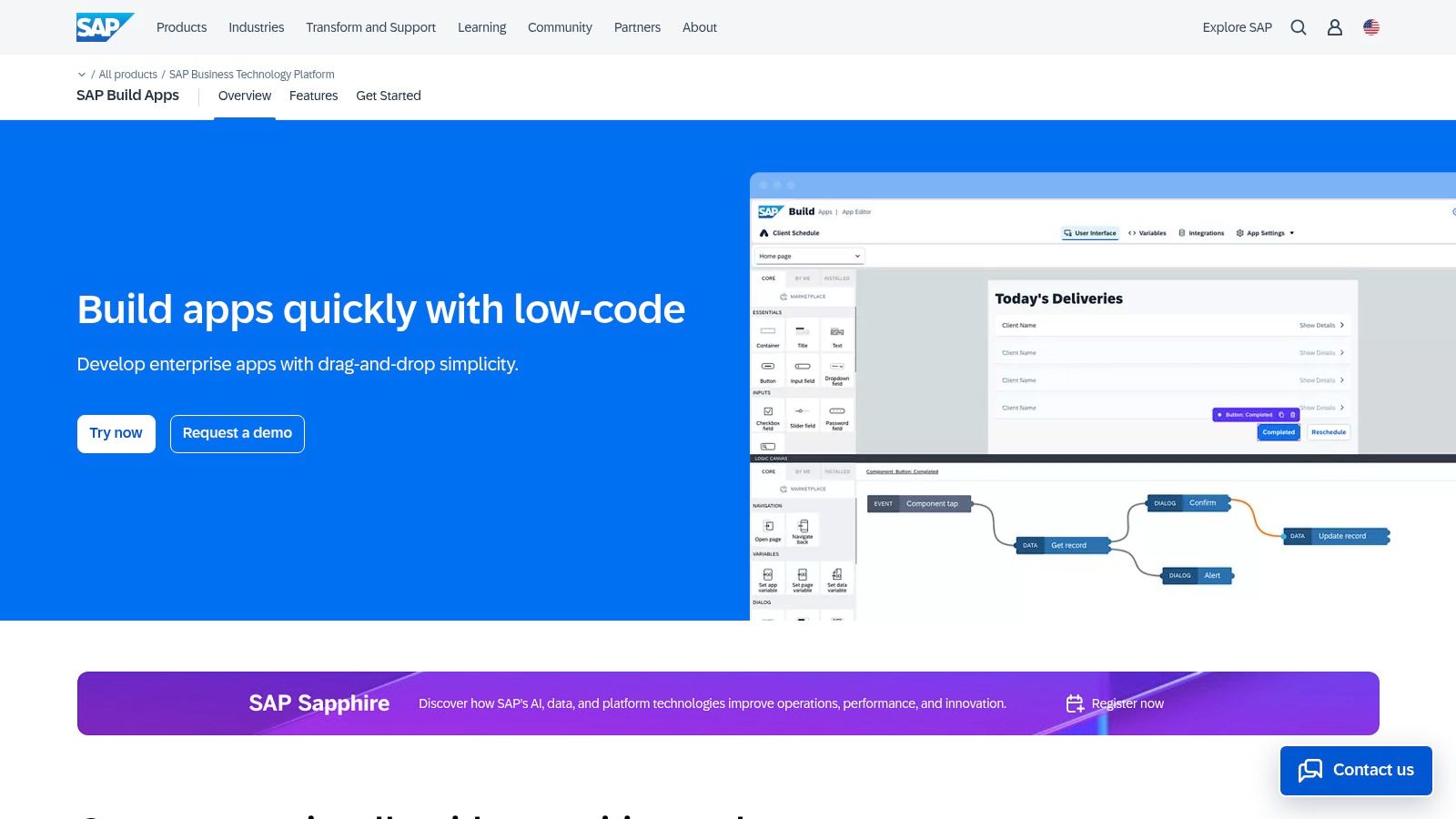
Unlike standalone tools aimed at individual creators or startups, SAP Build Apps is integrated into the SAP Business Technology Platform (BTP). This provides a significant advantage for large organizations requiring enterprise-grade security, compliance, and lifecycle management. It offers a secure and controlled environment for citizen developers to build and deploy applications that meet strict corporate standards, making it one of the best app builders for established enterprises.
Key Considerations
Accessing and pricing SAP Build Apps is tied to the SAP BTP, meaning procurement happens through existing SAP accounts and contracts, not a simple credit card sign-up. This model is well-suited for corporations but creates a barrier for smaller teams or individual developers. While the visual builder is intuitive, the surrounding BTP environment introduces a level of enterprise overhead for setup, user management, and deployment that is much steeper than what is found in more agile, independent no-code platforms. This makes it a strategic choice rather than a quick-start tool.
Ideal Use Cases | Pros | Cons |
|---|---|---|
Enterprise Mobile Apps & Field Services | Deep SAP Integration: Native connectivity to SAP services and data. | Complex Procurement: Tied to SAP BTP and corporate procurement cycles. |
Custom SAP Fiori-style Applications | Enterprise Governance: Strong security, compliance, and identity management. | High Overhead: Steeper setup and management than standalone tools. |
Process Automation & Data Entry Tools | Robust Builder: Inherits the powerful AppGyver visual composer. | Niche Focus: Primarily beneficial for companies already using SAP. |
Website: https://www.sap.com/products/technology-platform/low-code-app-builder.html
Top 12 App Builders Comparison
Platform | Core features | UX / Quality | Value / Pricing | Target audience | Unique selling points |
|---|---|---|---|---|---|
Bubble | Visual DB, workflows, API Connector, responsive engine | ★★★★ — flexible, steeper learning | 💰 Usage/workload-based scaling | 👥 Founders, SaaS teams, complex apps | ✨ Powerful no-code logic & plugins, 🏆 first‑party mobile builds |
FlutterFlow | Drag Flutter UI, code export, Firebase/Supabase, GitHub | ★★★★ — native performance, rich UI controls | 💰 Tiered (export & team features higher) | 👥 Mobile-first MVPs, dev handoff | ✨ Native code export & Git integration |
Adalo | Visual canvas, native builds, payments, templates | ★★★ — very fast mobile UI, simple publish | 💰 Fixed subscription, no per-action charges | 👥 CRUD apps, directories, SMBs | ✨ Rapid mobile publishing and app-store flow |
Glide | Google Sheets / Glide Tables backend, templates, permissions | ★★★★ — super fast prototyping, guarded UX | 💰 Usage-based "updates" quotas (watch overage) | 👥 Internal tools, SMB ops, non-devs | ✨ Spreadsheet-first speed & solid permissions |
Softr | Drag blocks, Softr DB, Airtable/Sheets/Notion integrations | ★★★★ — polished blocks, easy to learn | 💰 Per-user & record limits by plan | 👥 Portals, CRMs, non-technical teams | ✨ Role-based access, fast learning curve |
Google AppSheet | Connects Sheets/Drive, offline sync, automation bots | ★★★★ — enterprise-ready, offline support | 💰 Affordable per-user pricing | 👥 Google Workspace teams, LOB apps | ✨ Offline + deep Workspace governance |
Microsoft Power Apps | Canvas & model-driven apps, Dataverse, 1000+ connectors | ★★★★ — enterprise security & ALM | 💰 Complex licensing; enterprise costs | 👥 Microsoft-centric enterprises | 🏆 Enterprise governance, SSO & compliance |
Thunkable | Drag mobile UI, live testing, publishing, AI features | ★★★ — beginner-friendly, clear path to stores | 💰 Free→paid; publish limits require subscription | 👥 Educators, simple branded apps, beginners | ✨ Very approachable; easy store submission |
Draftbit | Visual React Native builder, source export, component libs | ★★★★ — design-accurate, exportable code | 💰 Dev-focused tiers; export = long-term value | 👥 Teams needing code ownership & handoff | ✨ Full source export for developer handoff |
Bravo Studio | Figma import, data binding, native builds & publishing | ★★★★ — designer-first fidelity | 💰 Solo affordable; add-ons can increase cost | 👥 Designers, high-fidelity mobile apps | ✨ Tight Figma → native app workflow |
Retool | Drag builder + JS, DB/API connectors, workflows, RBAC | ★★★★★ — extremely fast for admin/CRUD tools | 💰 Multi-dimension pricing (builders/users/agents) | 👥 Ops, internal tools, large teams | 🏆 Rapid internal apps + mature governance |
SAP Build Apps | Visual composer (AppGyver heritage), SAP BTP integrations | ★★★ — enterprise-grade but heavier enablement | 💰 Tied to SAP BTP procurement & enterprise pricing | 👥 SAP ecosystem organizations | ✨ Deep SAP integration, enterprise SLAs |
Your Next Step: From Plan to Product
Navigating the world of no-code and low-code platforms can feel overwhelming. You've just explored a dozen of the best app builders available today, from the all-encompassing power of Bubble to the design-first approach of Bravo Studio and the enterprise-grade solutions of Microsoft Power Apps. Each tool presents a unique pathway from idea to reality.
The central takeaway is that there is no single "best" platform for everyone. The right choice depends entirely on your specific project, your technical comfort level, and your long-term goals. Your primary objective now is to move past the research phase and into the building phase. Analysis paralysis is the enemy of progress; pick the tool that aligns most closely with your immediate need and commit to learning its nuances.
Making Your Decision: A Quick Recap
To help you make a final choice, let's distill the options down to core use cases:
For Complex Web Apps & MVPs: If you need a powerful, database-driven web application with full backend logic and ultimate design freedom, Bubble remains the top contender. Its steep learning curve is a direct trade-off for its unmatched flexibility.
For Native Mobile Apps: For those targeting the App Store and Google Play, FlutterFlow and Adalo are excellent starting points. FlutterFlow offers greater performance and code export, while Adalo provides a simpler, more contained building experience.
For Simple Apps & Internal Tools: If your goal is a straightforward client portal, a simple PWA, or an internal dashboard, Glide and Softr are fantastic. They excel at turning spreadsheets into functional, user-friendly applications with minimal effort.
For Enterprise & Automation: For teams already embedded in specific ecosystems, Microsoft Power Apps and Google AppSheet provide robust solutions for automating workflows and creating internal tools that integrate seamlessly with existing software.
From Blueprint to First Build
Once you've selected a platform, the real work begins. The initial hours you invest in understanding your chosen tool will pay dividends, preventing costly rebuilds and saving countless hours down the line. Every platform, even the "easy" ones, has a learning curve. Embrace it.
A practical way to bridge the gap between planning and doing is to start with a pre-built foundation. Instead of staring at a blank canvas, you can explore a starter app to deconstruct its components, understand its database structure, and see how workflows are configured. This hands-on approach demystifies the building process and provides a tangible model to learn from, accelerating your progress significantly.
Remember, your first version won't be perfect. The goal of an MVP is validation, not perfection. Build the core feature, get it in front of users, and gather feedback. This iterative loop is the essence of modern product development, and these tools are designed to facilitate that exact process. Don't let the fear of making the wrong choice stop you. Choose a path, start building, and adapt as you learn. The journey from a simple plan to a functional product is now more accessible than ever before.
Feeling confident about Bubble's potential but unsure where to start? Codeless Coach offers personalized, one-on-one tutoring to guide you through the complexities of building your app. Get expert help tailored to your specific project by visiting Codeless Coach and accelerate your journey from idea to launch.











